AI image prompt generator
To use the AI image prompt generator, open the Build tab, pick the Image target and name your subject in one sentence. Then answer short questions about style, composition and lighting. Each answer becomes a labeled line and adds points to a score out of 100. At 70, copy the prompt into your image model.
By The Promptcairn team (Product and testing). Last updated .
Type your idea above. Then the builder asks one short question at a time, and every answer adds points.
- Subject (missing)20
- Specific detail (missing)10
- Style (missing)16
- Composition (missing)12
- Lighting (missing)12
- Mood (missing)8
- Color palette (missing)8
- Things to avoid (missing)8
- Detail (missing)6
Your prompt
Your finished prompt appears here.
How to use the AI image prompt generator, step by step
- First, open the Build tab and choose the Image target.
- Then describe the subject in eight words or more, for example who it is and what it is doing.
- Next, tap a chip or type your own answer for style, composition and lighting.
- After that, pick an aspect ratio and list anything the picture should leave out.
- Finally, press Copy once the score passes 70 and paste the text into your image model.
The first 3 runs each day are free. After that, see the pricing page for packs and plans, or read how we test the tool.
AI image prompt generator tested with a real input
We ran our own test input through this exact tool. The text and the numbers below come from that run, so you can repeat it and compare.
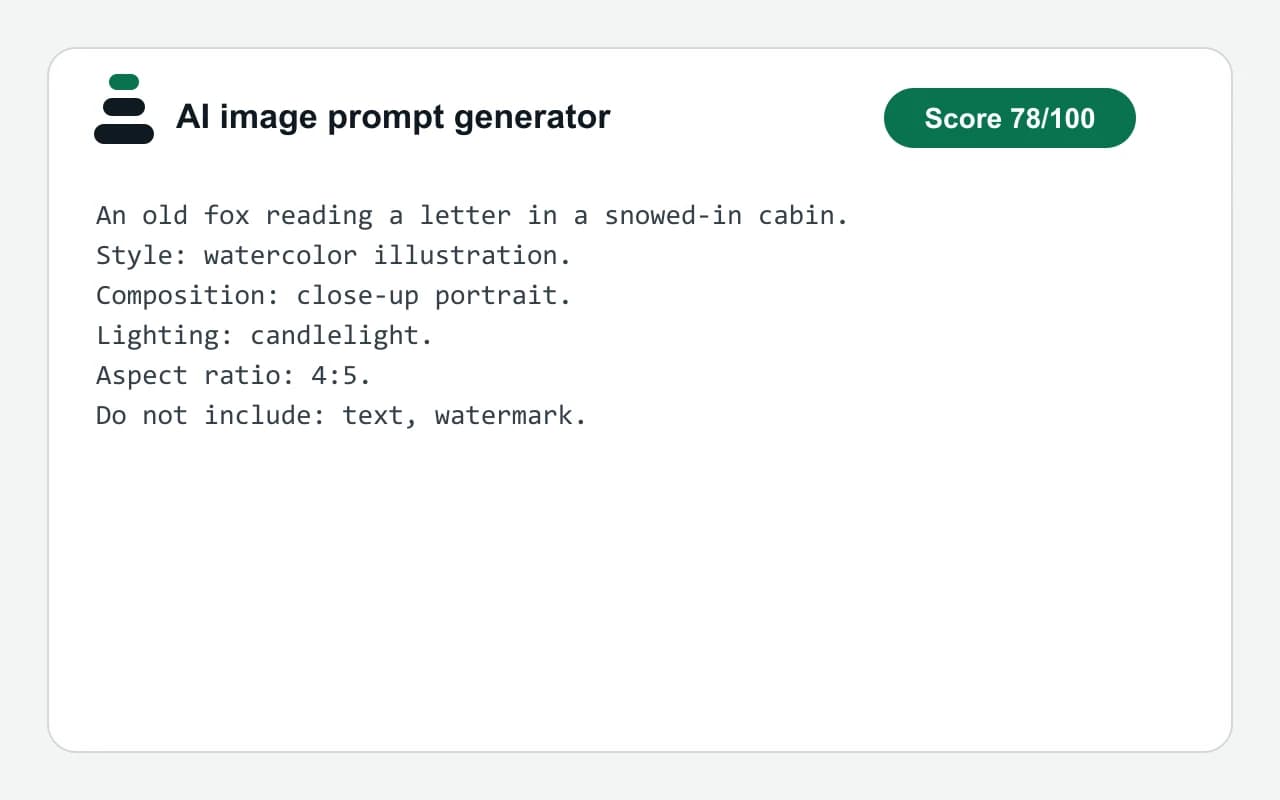
- Test input
- "An old fox reading a letter in a snowed-in cabin" plus 4 answers
- Output
- Image prompt
- Score from the idea alone
- 30
- Score after the answers
- 78
- Questions answered
- Style, Composition, Lighting, Things to avoid
- Prompt length
- 188 characters
- Time to build
- under 1 second
An old fox reading a letter in a snowed-in cabin.
Style: watercolor illustration.
Composition: close-up portrait.
Lighting: candlelight.
Aspect ratio: 4:5.
Do not include: text, watermark.
How we test: every page has a fixed input, and we read each output by hand. More on the about page.
Why the AI image prompt generator asks for the subject first
An image model needs to know what to draw before it needs to know how. So the subject carries the most weight, 20 points out of 100. A specific subject adds 10 more, because eight clear words beat three vague ones.
Style comes next with 16 points. For example, the same fox reads very differently as a watercolor or as a 3D render. After that, composition and lighting add 12 points each. Together, these four answers decide most of what you will see.
The remaining fields are smaller. Mood, color palette and things to avoid add 8 points each, and detail adds 6. Therefore, you can skip them on a first try and still pass 70.
What the finished image prompt looks like
In the plain-sentence style, the prompt opens with your subject as a full sentence. Then each answer follows on its own labeled line, such as Style, Composition or Lighting. As a result, you can change one line later without rewriting the rest.
The builder also adds the aspect ratio you picked: 1:1, 4:5, 3:2, 16:9 or 9:16. In addition, a last line lists what to leave out, for instance text or a watermark. Because the layout is plain text, it pastes into any image model that reads sentences.
When this AI image prompt generator is the wrong choice
The builder writes words, not pictures. So you still need an image model to render the result. It also does not look at images. If you want to start from a picture you already have, use the image to prompt page instead.
No model checks your answers either. The score only counts which fields you filled, so a high score cannot promise a good picture. However, it does flag weak spots, such as a very short idea or vague words like nice.
Finally, some models prefer short tag lists and parameters over sentences. In that case, switch the prompt style to Midjourney parameters.
The nine weighted fields of an image prompt
| Field | Points and an example answer |
|---|---|
| Subject | 20 points, your idea in one sentence |
| Specific detail | 10 points, given when the idea has 8 or more words |
| Style | 16 points, such as watercolor illustration |
| Composition | 12 points, such as close-up portrait |
| Lighting | 12 points, such as candlelight |
| Mood | 8 points, such as calm and quiet |
| Color palette | 8 points, such as muted earth tones |
| Things to avoid | 8 points, such as text or a watermark |
| Detail | 6 points, such as shallow depth of field |
| Aspect ratio choices | 1:1, 4:5, 3:2, 16:9 and 9:16 |
AI image prompt generator FAQ
Is this AI image prompt generator free to use?
Yes. The builder runs in your browser, so it is free and unlimited. You also do not need an account.
Does the AI image prompt generator create the image too?
No. It only writes the text prompt. Then you paste that text into the image model you already use.
What should a good image prompt include?
Start with a clear subject, then add style, composition and lighting. Those four fields carry 60 of the 100 points here, so they matter most.
Which image models does the prompt work with?
The plain-sentence style is ordinary text, so it works in any model that accepts a written description. The site has no tie to any image model.
Is my idea sent to a server?
No. The builder runs in the browser, so the idea you type there stays on your device.
What score do I need before I copy the prompt?
The builder calls a prompt good enough at 70 out of 100. For example, a detailed subject plus style, composition and lighting already reaches that mark.