AI video prompt generator
To use the AI video prompt generator, open the Build tab, pick the Video target and describe what happens in the clip. Then answer one short question at a time, starting with camera movement. Each answer becomes its own labeled line and raises a score out of 100. At 70, copy the prompt.
By The Promptcairn team (Product and testing). Last updated .
Type your idea above. Then the builder asks one short question at a time, and every answer adds points.
- Subject (missing)20
- Specific detail (missing)10
- Camera (missing)16
- Setting (missing)12
- Style (missing)12
- Lighting (missing)8
- Pacing (missing)8
- Things to avoid (missing)8
- Audio (missing)6
Your prompt
Your finished prompt appears here.
How to use the AI video prompt generator, step by step
- First, open the Build tab and choose the Video target.
- Then write what moves in the clip, for example a paper boat drifting down a street.
- Next, say how the camera moves, such as a slow dolly in or a static wide shot.
- After that, add the setting, the pacing and the sound you want.
- Finally, copy the labeled lines and paste them into the video model you use.
The first 3 runs each day are free. After that, see the pricing page for packs and plans, or read how we test the tool.
AI video prompt generator tested with a real input
We ran our own test input through this exact tool. The text and the numbers below come from that run, so you can repeat it and compare.
- Test input
- "A paper boat drifting down a rainy city street" plus 4 answers
- Output
- Video prompt
- Score from the idea alone
- 30
- Score after the answers
- 72
- Questions answered
- Camera, Setting, Pacing, Audio
- Prompt length
- 176 characters
- Time to build
- under 1 second
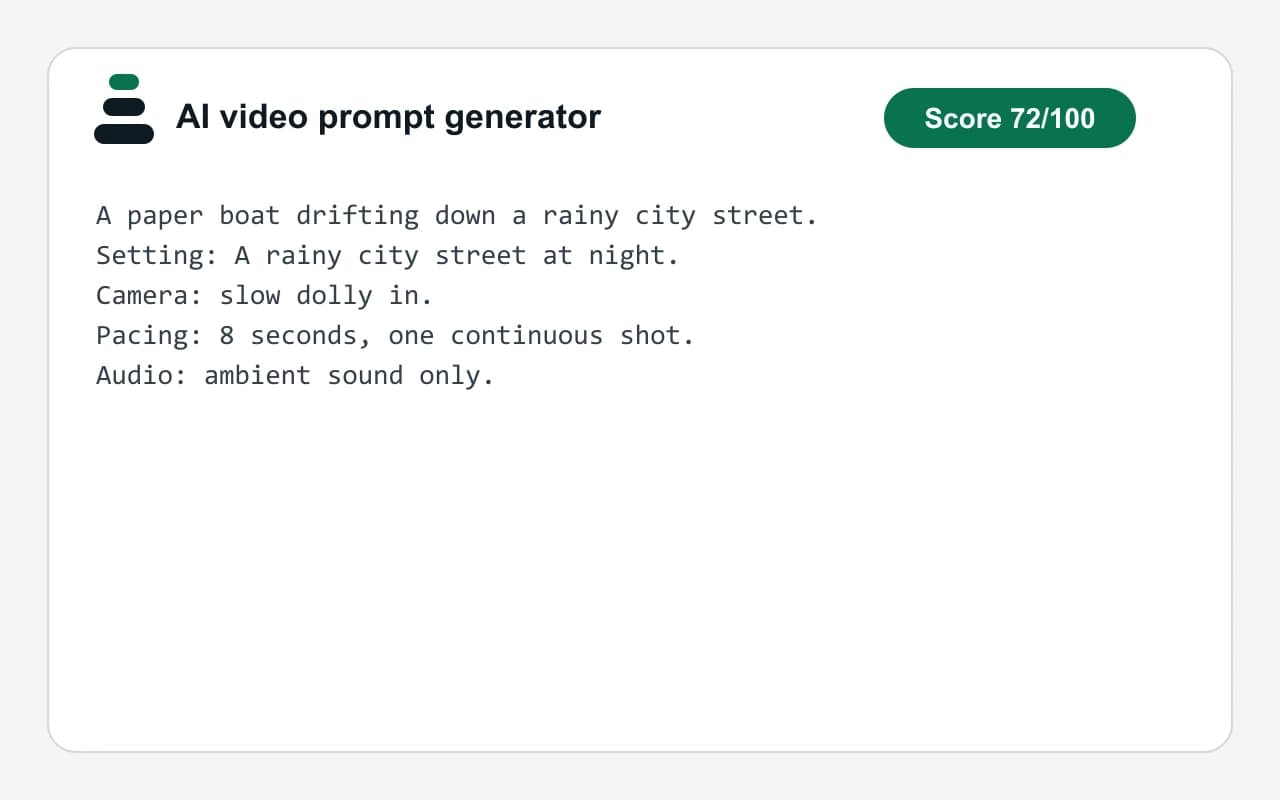
A paper boat drifting down a rainy city street.
Setting: A rainy city street at night.
Camera: slow dolly in.
Pacing: 8 seconds, one continuous shot.
Audio: ambient sound only.
How we test: every page has a fixed input, and we read each output by hand. More on the about page.
Why the AI video prompt generator asks about the camera early
A still image has a frame, but a clip also has a move. So camera movement is the highest-weighted answer on this tab, at 16 points. Only the subject itself counts more, with 20 points plus 10 for a specific idea.
Without a camera line, the model picks the move for you. For example, it may pan when you wanted a locked shot. In contrast, three words such as handheld tracking shot settle the question.
Setting and style follow with 12 points each. Then lighting, pacing and things to avoid add 8 points each, and audio adds 6. As a result, a clear idea plus camera, setting and style already passes 70.
One labeled line per field in the video prompt
The prompt opens with your idea as a sentence. After that, every answer gets a line that starts with its label: Setting, Camera, Style, Lighting, Pacing or Audio. Because skipped questions leave no line, the text stays short.
This layout also makes edits cheap. For instance, you can swap only the Pacing line from slow motion to three quick cuts and try again. Similarly, you can add an aspect ratio line for a vertical or wide clip.
When this AI video prompt generator will not help
The builder writes text and nothing else. So it does not render video, and it cannot preview a shot. It has no tie to Veo, Kling, Runway or any other video model.
It also writes one shot, not a script. If you need a sequence of scenes, build each shot on its own and number them yourself. However, the score cannot judge your taste. It only counts which fields you filled in.
Finally, each model has its own limits on clip length and sound. Therefore, check the model's own documentation before you promise a result to anyone.
The weighted fields of a video prompt
| Field | Points and an example answer |
|---|---|
| Subject | 20 points, your idea as one sentence |
| Specific detail | 10 points, given when the idea has 8 or more words |
| Camera | 16 points, such as slow dolly in |
| Setting | 12 points, such as a rainy city street at night |
| Style | 12 points, such as documentary footage |
| Lighting | 8 points, such as soft window light |
| Pacing | 8 points, such as 8 seconds, one continuous shot |
| Things to avoid | 8 points, such as on-screen text |
| Audio | 6 points, such as ambient sound only |
AI video prompt generator FAQ
Is the AI video prompt generator free?
Yes. The builder runs in your browser, so it is free and has no daily limit. You also do not need an account.
Does this AI video prompt generator make the video?
No. It writes the prompt as plain text. Then you paste that text into a video model yourself.
What should I write for camera movement?
Name one move per shot, for example a slow pan from left to right or an aerial drone shot. If you are unsure, tap one of the chips.
Which video models can I use the prompt with?
The prompt is generic text, so it suits any video model that reads a written description. The site is independent of all of them.
How long should a video prompt be?
Keep it to one idea sentence plus a few labeled lines. Because every answered question adds exactly one line, the prompt stays under ten lines.
Can I turn a story idea into a video prompt?
Yes. Type the idea on the Video target, and the builder asks about camera, setting and pacing next.