Midjourney prompt generator
To use the Midjourney prompt generator, open the Build tab, pick the Image target and keep the Midjourney parameters style. Then type your idea and answer the short questions. The builder joins your answers into comma-separated phrases, then adds --ar for the aspect ratio and --no for anything to leave out. Finally, copy the line.
By The Promptcairn team (Product and testing). Last updated .
Type your idea above. Then the builder asks one short question at a time, and every answer adds points.
- Subject (missing)20
- Specific detail (missing)10
- Style (missing)16
- Composition (missing)12
- Lighting (missing)12
- Mood (missing)8
- Color palette (missing)8
- Things to avoid (missing)8
- Detail (missing)6
Your prompt
Your finished prompt appears here.
How to use the Midjourney prompt generator, step by step
- First, open the Build tab, choose Image and set the prompt style to Midjourney parameters.
- Then type the scene you want as one short sentence.
- Next, answer the questions about style, lighting and mood with a chip or your own words.
- After that, choose an aspect ratio and name the things you do not want in the picture.
- Finally, press Copy and paste the single line into Midjourney yourself.
The first 3 runs each day are free. After that, see the pricing page for packs and plans, or read how we test the tool.
Midjourney prompt generator tested with a real input
We ran our own test input through this exact tool. The text and the numbers below come from that run, so you can repeat it and compare.
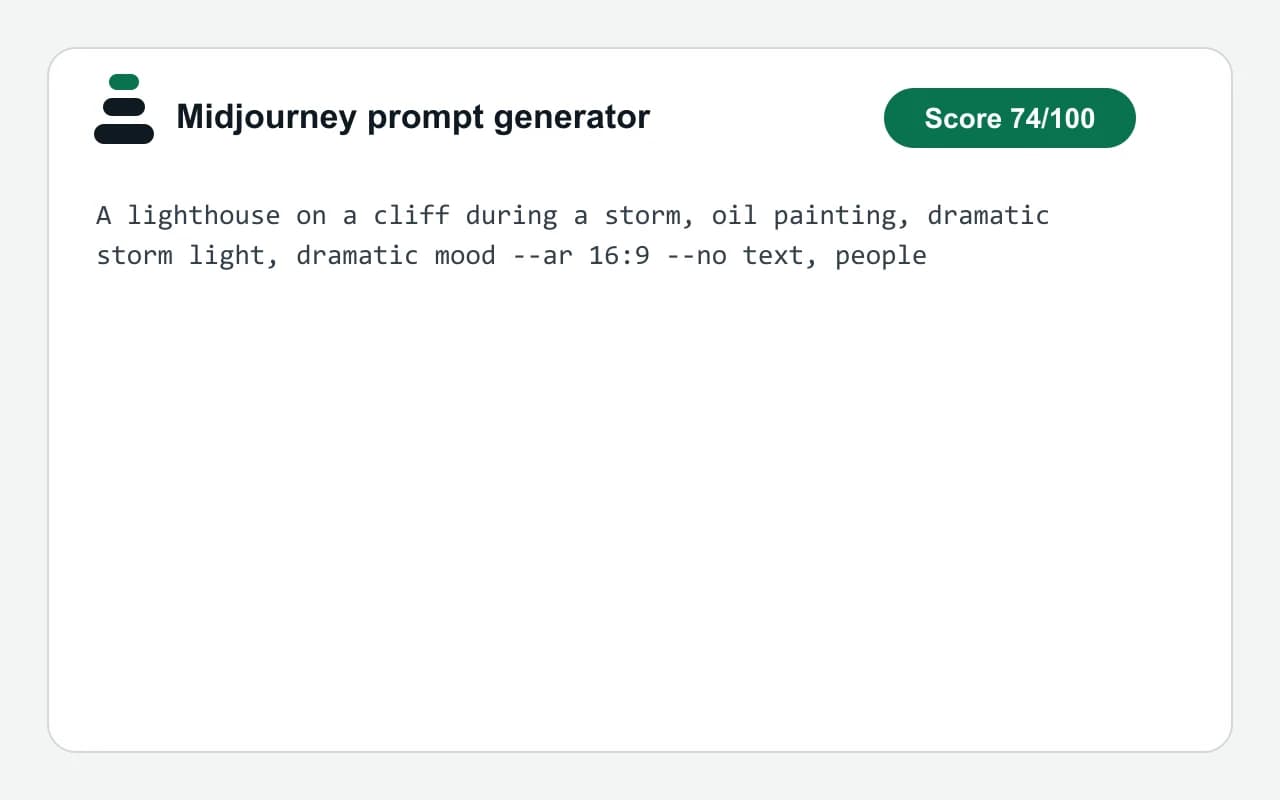
- Test input
- "A lighthouse on a cliff during a storm" plus 4 answers
- Output
- Image prompt
- Score from the idea alone
- 30
- Score after the answers
- 74
- Questions answered
- Style, Lighting, Mood, Things to avoid
- Prompt length
- 117 characters
- Time to build
- under 1 second
A lighthouse on a cliff during a storm, oil painting, dramatic storm light, dramatic mood --ar 16:9 --no text, people
How we test: every page has a fixed input, and we read each output by hand. More on the about page.
How the Midjourney prompt generator lays out one line
This style drops the labels and writes everything on one line. First comes your idea. Then each answer follows as a short phrase, with commas between them. For example, a style answer becomes oil painting, and a mood answer becomes dramatic mood.
The parameters sit at the very end. So the aspect ratio you picked turns into --ar, and your avoid list turns into --no. Because both are optional, the builder leaves a parameter out when you skip its question.
The score works the same as in the plain style. The subject earns 20 points, style 16, and composition and lighting 12 each. As a result, four good answers on top of a clear idea take you past 70.
What --ar and --no do in a Midjourney prompt
Midjourney's documentation says images are square by default, a ratio of 1:1. The --ar parameter changes that shape. For instance, --ar 16:9 gives a wide frame and --ar 9:16 a tall one. The docs also note that the ratio cannot contain decimals.
The --no parameter lists what the picture should leave out, with commas between the items. However, the docs warn that moderation reads every word after --no on its own. Therefore, keep the list to single nouns such as text or people, and describe what you do want in the main phrases instead.
When another tool fits better
This site is independent and has no connection to Midjourney. So it cannot run your prompt, show a preview or read your account. It only writes text, and you paste that text in yourself.
The builder also adds just two parameters. In contrast, Midjourney has many more, such as ones for model version or stylization. If you need those, type them after the copied line by hand.
Finally, other image models often follow full sentences better than phrase lists. In that case, switch the prompt style to Plain sentences and keep the same answers.
What goes into the Midjourney-style line
| Part | How the builder writes it |
|---|---|
| Subject | Your idea, placed first, worth 20 points |
| Specific detail | 10 points when the idea has 8 or more words |
| Style, composition, lighting | Short phrases after commas, worth 16, 12 and 12 points |
| Mood, color palette, detail | More phrases, worth 8, 8 and 6 points |
| Aspect ratio | --ar with 1:1, 4:5, 3:2, 16:9 or 9:16 |
| Things to avoid | --no followed by your list, worth 8 points |
| Good enough mark | 70 out of 100 |
Midjourney prompt generator FAQ
Is this Midjourney prompt generator official?
No. It is an independent tool with no tie to Midjourney. It writes a text line, and you paste it into Midjourney yourself.
Is the Midjourney prompt generator free?
Yes. The builder runs in your browser, so it is free and unlimited. You also do not need an account for it.
Where do the parameters go in the prompt?
They go at the end of the line, after the descriptive phrases. So the builder always writes --ar and --no last.
Which aspect ratios can I pick?
You can pick 1:1, 4:5, 3:2, 16:9 or 9:16. For any other ratio, edit the numbers after --ar once you paste the line.
Why did my --no list trigger a warning?
Midjourney's docs say its moderation reads each word after --no separately, so a two-word item can be misread. Instead, use single nouns and put the rest into the description.
Can I use the same answers for another image model?
Yes. Switch the prompt style to Plain sentences, and the builder then rewrites your answers as labeled lines.