Image to prompt generator
To use the image to prompt generator, open the Screenshot tab and upload a PNG, JPG or WebP file. The tool then measures the size, the nearest aspect ratio, up to four main colors and the light. After that, you type the subject yourself, and the measured facts fill the rest of the image prompt.
By The Promptcairn team (Product and testing). Last updated .
PNG, JPG or WebP up to 8 MB
How to use the image to prompt generator, step by step
- First, open the Screenshot tab and choose a reference image of up to 8 MB.
- Then press Read screenshot and wait for the measured facts.
- Next, press Build an image prompt from this to send them to the builder.
- After that, type the subject in your own words and answer the style questions.
- Finally, pick plain sentences or Midjourney parameters and copy the prompt.
The first 3 runs each day are free. After that, see the pricing page for packs and plans, or read how we test the tool.
Image to prompt generator tested with a real input
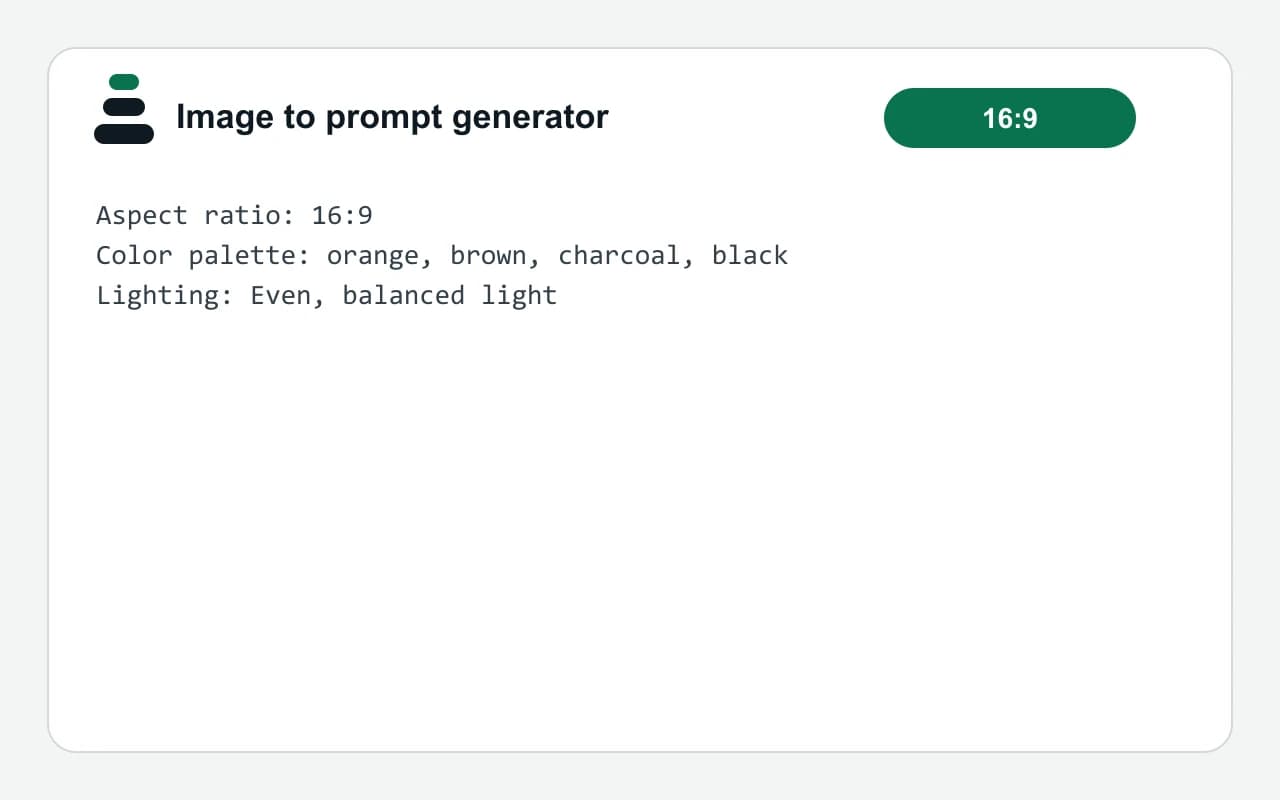
We ran our own test input through this exact tool. The text and the numbers below come from that run, so you can repeat it and compare.
- Test input
- reference.png (1600 x 900 px)
- Output
- Measured image facts
- Size
- 1600 x 900 px
- Aspect ratio
- 16:9
- Main colors
- orange 29%, brown 26%, charcoal 25%, black 13%
- Light
- balanced
- Time to build
- under 1 second
Aspect ratio: 16:9
Color palette: orange, brown, charcoal, black
Lighting: Even, balanced light
How we test: every page has a fixed input, and we read each output by hand. More on the about page.
What the image to prompt generator reads from a picture
The tool measures a picture. It does not look at it the way a person does. First, it reads the width and height in pixels. Then it finds the nearest standard aspect ratio, such as 16:9 or 4:5.
Next, it groups the pixels into up to four main colors and reports the share of each. It also checks the average brightness. So the image counts as dark, balanced or bright.
Those facts land in three places. The colors fill the Color palette field, and the brightness fills the Lighting field. Meanwhile, the ratio sets the aspect ratio of the new prompt.
Why you still type the subject
Here is the honest part. On its own, the tool does not describe what is in the picture. It cannot tell a cat from a car, because it only counts pixels. Therefore, the subject line starts empty, and you write it.
That limit has an upside. For example, you can borrow the palette and light of a film still for a new subject. In that case, the reference sets the look, while your words set the content. The score also shows which fields are still open, such as style and composition.
When this image to prompt generator is the wrong tool
Sometimes you want a full written description of a picture, with every object, pose and background detail. This tool will not give you that. Instead, use a vision model that can caption images, and then paste its text into the builder.
It also cannot copy an art style by name, read text inside the image, or recreate the same picture. However, it fits well when you already know the subject and only need the color, light and framing to match. The Screenshot tab has a daily free limit as well, while the builder itself stays free.
What the Screenshot tab measures and where it goes
| Measured fact | Detail |
|---|---|
| File types | PNG, JPG or WebP, up to 8 MB |
| Size | Width and height in pixels |
| Aspect ratio | Nearest of 1:1, 4:5, 3:2, 16:9 or 9:16 |
| Main colors | Up to four, each with its share, for the Color palette field (8 points) |
| Light | Dark, balanced or bright, for the Lighting field (12 points) |
| Subject | Not detected, you type it (20 points) |
| Output styles | Plain sentences or Midjourney parameters |
Image to prompt generator FAQ
Is the image to prompt generator free?
Partly. The Screenshot tab has a daily free limit and needs credits after that. The builder that finishes the prompt is free and unlimited.
Does the image to prompt generator describe what is in my photo?
No, not on its own. It measures size, aspect ratio, main colors and light, so you type the subject yourself. If you need a full caption, a vision model is the better choice.
Which image formats can I upload?
You can upload PNG, JPG or WebP files up to 8 MB. Larger files are refused before the upload starts, so shrink or export the image first.
Can I turn an image into a Midjourney prompt?
Yes, for the measured parts. Choose Midjourney parameters in the builder, and the prompt then ends with the aspect ratio as an --ar value. You still write the subject and style.
Will the prompt recreate my image exactly?
No. A prompt built from colors, light and framing gives a similar look, not a copy. Image models also vary from run to run, so expect a different result each time.
Is my image sent to a server?
Yes. The Screenshot tab sends the file to our server to measure it, because that step does not run in the browser. In contrast, the builder runs in your browser.